
Avery County Court Record Requests
A case number is the best starting point. The North Carolina eCourts Portal can surface an available public case. It also opens the Case Summary/Register of Actions. Any public Portal document can be viewed or printed if it is available there. But a paper-era item, a missing filing, something not online, or anything certified goes to the Avery County Clerk of Superior Court. State guidance points a person seeking a case document to the clerk. That clerk must sit in the county where the case was filed.
- Use Portal Smart Search or the courthouse terminal to identify the case number, parties, and the specific event or document sought.
- State whether the request is for file inspection, a plain copy, a certificate under seal, or an exemplified copy. Include the document title and event date when known.
- Choose the documented channel: available Portal view or print, clerk counter and file review, clerk phone, or mail to the published clerk address.
- Give a return contact and confirm the payment method before mailing payment or asking for a larger file. The sources do not publish an Avery fax, email order channel, online certified-copy form, or fixed turnaround time.
- For a Judicial Branch administrative record rather than a case file, use the official public-record channel. It does not replace the local clerk as the custodian of court documents.
Avery County Clerk Record Channels
The Avery County Clerk of Superior Court keeps the local case files for Superior Court. It keeps District Court files too. That includes dockets and indexes. Civil and criminal actions, special proceedings, estates, judgments, and related records are all in the mix. Because Avery runs a unified trial-court system, one office handles everything. There are no separate civil and criminal clerk systems here.
Avery County Clerk of Superior Court
200 Montezuma St.
Newland, NC 28657
Mail: PO Box 115, Newland, NC 28657
(828) 737-6700
Monday through Friday, 8:00 a.m. to 4:30 p.m.
There is also a public-terminal fallback at the clerk office. State guidance says clerk offices offer self-service terminals. Those terminals handle criminal searches by name, case number, victim, or witness. The same terminals cover civil, special-proceeding, and estate information. Call ahead if you need a historical paper file, a large order, or certification.
Kinds of Court Records
A court record is not one single thing. The Case Summary/Register of Actions is the court-maintained timeline and index of recorded activity. A filed document is the real item behind an event, such as a pleading, notice, order, judgment, or exhibit. A certified copy is an official clerk-issued copy carrying the proper certification component. Knowing which one you need keeps a Portal printout from being mistaken for an official copy.
- Case Summary/Register of Actions and chronological Case Events.
- Filed pleadings, notices, orders, judgments, and public documents associated with a case event.
- Criminal and civil case files kept through the unified Avery clerk structure.
- Special-proceeding, estate, judgment, and related clerk records.
- Certified or exemplified copies issued through the clerk after a document-specific request.
Avery County Record Types Compared
Think of a court docket as a tracking record for Avery County cases. It proves that some activity was recorded. What it does not give you is the underlying paper itself. A filed document sits behind each event on the docket, and only a certified copy from the clerk carries official weight, unlike an informational Portal view or a plain printout. When you make a request, name the case, the document type, and the date or event that pins down the item. The clerk can then match your request to the right filing without guesswork. That small detail often saves a second trip or a rejected request.
| Record | What it provides | Best Avery channel |
|---|---|---|
| Case Summary | Public timeline, case details, events, hearings, and applicable dispositions. | Portal Smart Search or clerk terminal. |
| Filed document | The actual public pleading, notice, order, judgment, or other file item. | Portal if public and available; otherwise Avery Clerk file request. |
| Certified copy | Official copy with the clerk’s certification or seal component. | Avery Clerk only, with exact-document and copy instructions. |
| Exemplification | Higher form of official record authentication listed on the statewide fee chart. | Avery Clerk, after confirming the record and total charge. |
A free Portal view or print may serve research well. It does not become an official court copy without the clerk's certification process.
Court Records: What They Contain
Portal's public Case Summary can show a lot. Expect the case header and assignment information, parties, civil causes of action where applicable, Case Events, hearings, dispositions, and financial information when it applies. What appears depends on the case and public-access rules. A document link is not guaranteed. And an event line is not the same as the complete document filed with the clerk.
| Case information | The identifying case details that Portal makes public. |
|---|---|
| Assignment information | The recorded court or division assignment information. |
| Party information | Publicly available party or caption details. |
| Case Events | The date-ordered record of activity in the Case Summary. |
| Hearings and dispositions | Available setting information and recorded outcomes. |
| Financial information | Applicable public financial details when Portal displays them. |
Avery County Paper File Access
Paper files did not vanish when Avery went live on eCourts on July 21, 2025. The Track 9 transition said paper documents already held in the clerk office remained physically available. That matters for an older document or a migration-period gap. It also matters for an original signed paper. Or a public item that never made it online. The courthouse counter and terminal are part of an Avery record request. They are not merely a last resort.
Official court-records guidance states that paper case files are viewed in the clerk office where the case is located. Staff can provide copies for a statutory fee. Bring the case number and a short description of the item. Avery does not publish an archive catalog, microfilm service, bulk subscription, or ordinary records-order form. So plan on working through the clerk directly.
The Judicial Branch court-records guidance spells out this file-and-clerk process. Its page presents statewide court-record access information that applies to the Avery clerk route.
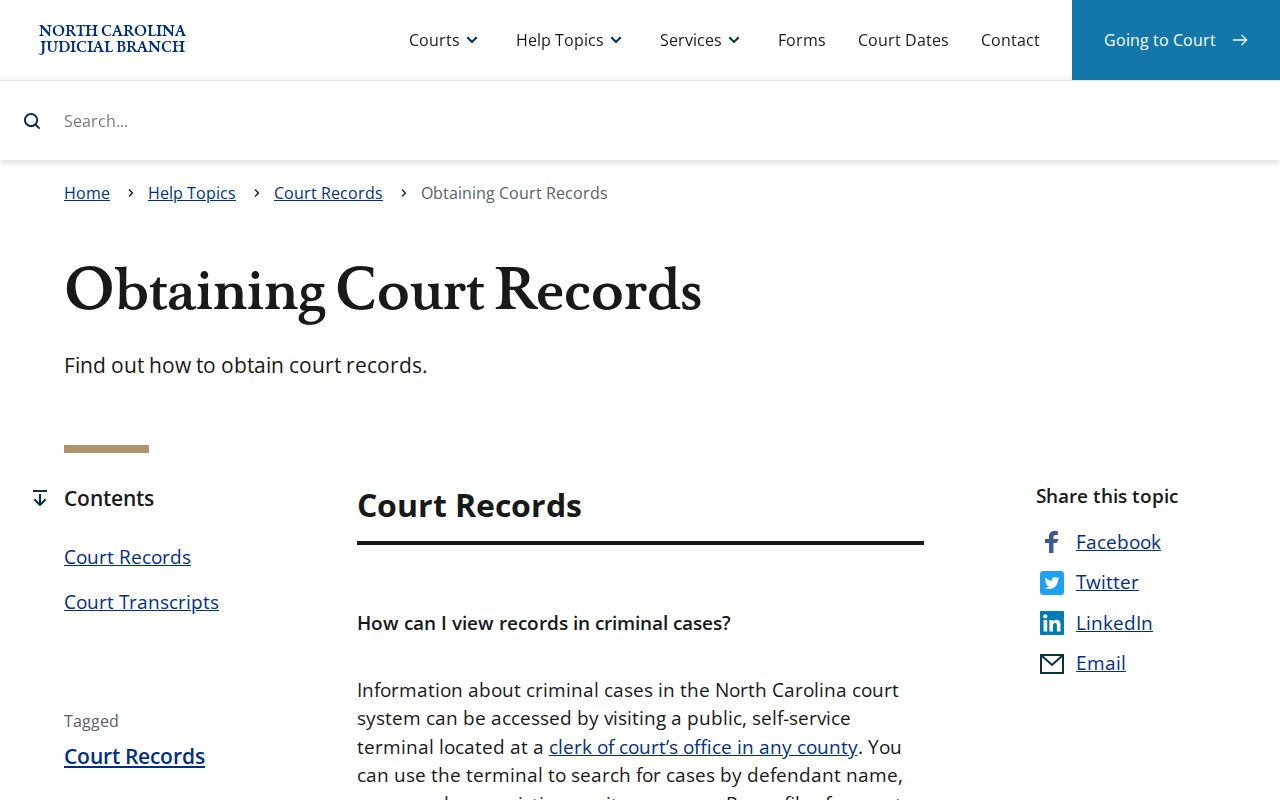
The state resource draws the line clearly. Public case information sits online, while other records must be reviewed or copied through the county clerk.
Copy Fees and Certification
The current statewide miscellaneous fee chart, effective January 1, 2026, sets the charges below. Certification is one component of a total request. It is not automatically the whole price of a multi-page document. The clerk calculates the final total. That comes once the document, page count, and copy type are identified. Portal training states there is no fee to view or print available public material online. Access limits apply.
| Item | Amount |
|---|---|
| Clerk preparation of copies, first page of each document | $2.00 |
| Each additional copy page or fraction | $0.25 |
| Certificate under seal | $3.00 |
| Exemplification of records | $10.00 |
The current court costs page leads to the statewide charts behind these amounts. Treat the page as a record-access reference. It is not an Avery invoice or a guaranteed final total.
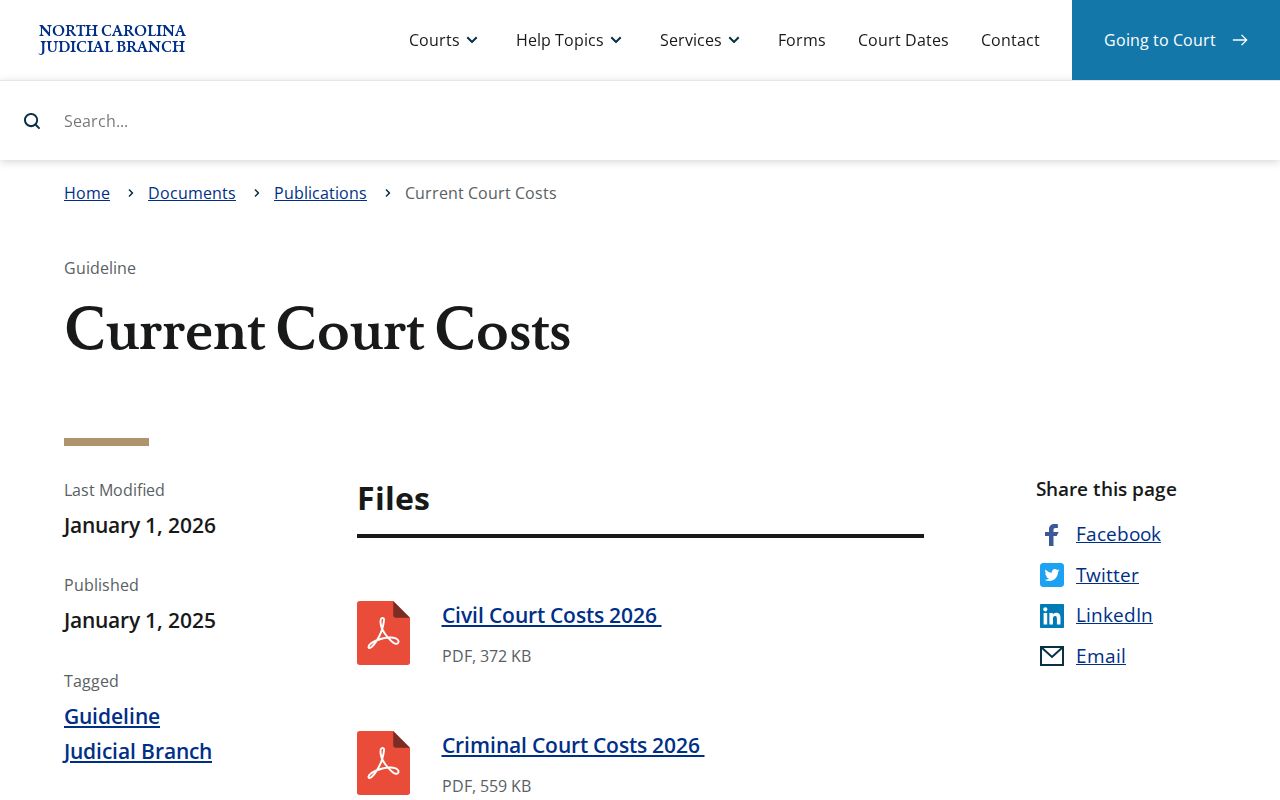
Avery payment guidance allows cash, credit or debit cards with a processing charge, money orders, and certified checks at the Cashier's Office. Personal checks are not accepted. Verify the exact request and payment instructions before mailing anything.
Avery County Audio and Transcripts
A transcript is something else entirely. It is a word-for-word account prepared by a court reporter or transcriptionist, priced at that provider's rate. The docket never contains it. An audio recording is a separate request too. When audio exists in a nonconfidential Avery County case, ask with form AOC-G-114; confidential matters take AOC-G-115 and need court permission. The clerk sells an available audio CD at actual cost.
Know what to ask for before you call. Criminal District Court proceedings are normally not recorded unless ordered. And a criminal District Court appeal is a brand-new Superior Court trial. It is not a review of an earlier transcript. Naming the specific product beats asking vaguely for "the record."
Access Rules for Court Records
North Carolina law puts the duty on the clerk. Under G.S. 7A-109, each clerk must keep the prescribed records, files, dockets, and indexes. Those stay open to public inspection during regular office hours unless a law blocks access. North Carolina public-record guidance adds a helpful point. No special request procedure is required. You simply inspect or copy within normal hours and pay any lawful service charges.
Access boundary: Sealed, confidential, and restricted court material is not available to public Portal users. Juvenile records are separately protected under G.S. 7B-3001, and G.S. 132-1.10 restricts listed personal and financial identifiers in public filings.
A request alone unlocks nothing sealed. The clerk cannot turn a sealed or confidential record public. No request can change that. When an Avery County record is missing online, the cause may be a restriction, an expunction, a paper-file issue, or simply a search mismatch. Ask the clerk which access rule applies to that case.
Avery County RPA Distinction
The Remote Public Access Program is a paid, licensed, statewide data service. It offers online real-time access and extract options. These cover court records across the state's courts. What it is not: a personal Avery County court-record request. It also does not shift custody of local case files. Those stay with the Avery County Clerk of Superior Court.
A similar line holds for the Judicial Branch administrative-record request page. Agency administrative records may belong there. But its own instructions send case-document seekers to the clerk where the case was filed. The Judicial Branch public-record request page is the official channel for that separate statewide request service. Its content shows how distinct it is from the Avery case-file request process.
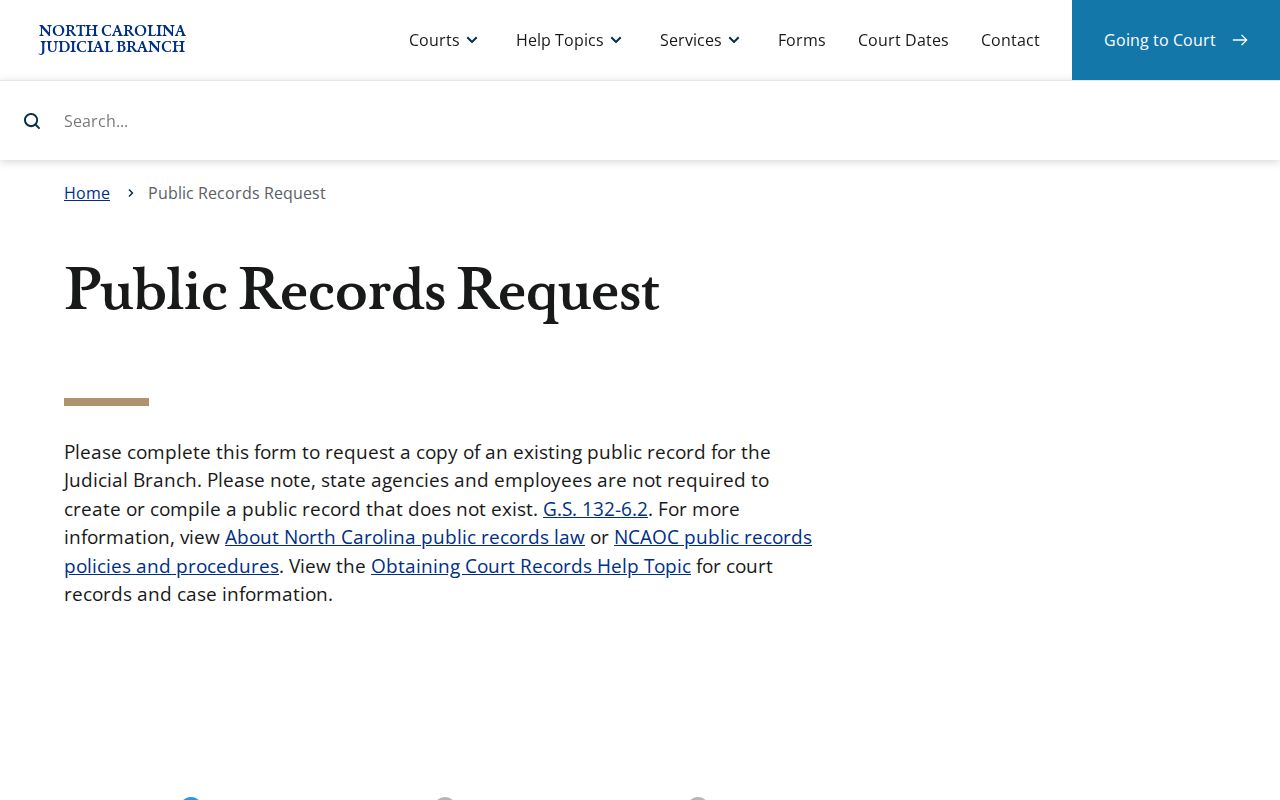
That direction to use the clerk matters. It keeps a Judicial Branch administrative record separate from an Avery County case record. The two are not the same thing. A request aimed at the wrong one will stall.
So follow the ordinary sequence for an Avery case document. Find the case first, through Portal or a public terminal. Name the exact document you want. Then contact the clerk by counter, phone, or mail. The records page offers no standard Avery online certified-copy order form. It promises no turnaround time either. A document-specific request, followed by a phone call to confirm, is the dependable route.
Note: A public record request never obliges the clerk to create what does not already exist. No new chronology, compilation, or explanation is required.