
Name-Based Case Searches
Avery County joined the North Carolina eCourts Portal on July 21, 2025. Pick Smart Search for a public Case Summary, also called a Register of Actions. You can search without an account. Registering is optional. It mainly lets you save cases to My Cases; it does not unlock anything extra. Begin with the required Search Criteria box. Per the official materials, Advanced Filtering Options cannot stand alone.
- Open Portal and select Smart Search. Enter a party name in Search Criteria, using the spelling most likely to appear in the court file.
- For a broad surname, use the approved wildcard minimum of three surname characters followed by an asterisk. A given name can use one character plus an asterisk; a business or nickname needs four characters plus an asterisk.
- After the basic search, open Advanced Filtering Options. Narrow the location to Avery County, then use case type, status, filing-date range, or permitted party criteria.
- Open the matching result and read the Case Summary/Register of Actions rather than relying only on the results row. Use Search Hearings separately when the question is the next court date.
| Smart Search field | Type | Required | Use in an Avery search |
|---|---|---|---|
| Search Criteria | Text/search box | Yes | Enter a party name or case number before applying advanced filters. |
| Location | Dropdown/filter | No | Narrow the result set to Avery County after the starting search. |
| Party name and date of birth | Text/date filters | No | Use variants or a permitted date value to distinguish similar names. |
| Case type, status, filing date | Dropdown/date filters | No | Use the live Portal choices; the documented list is not static. |
Note: Smart Search is the NCAOC-recommended default. The alternate Party Name Search route is not the most consistent starting path for an Avery County case search.
Avery County Smart Search Tools
The Portal splits docket work into separate tools. Smart Search finds a public case and opens its history. Search Hearings checks the current calendar. NC Judgment Search covers indexed judgments statewide, and eligible payments have their own Portal functions. For an Avery result, confirm the court location first, then read the event history. A name match alone is not a complete answer.
The official Portal training resources show the statewide system that handles Avery electronic cases. That page reflects the state's public training material, not a live Avery file.
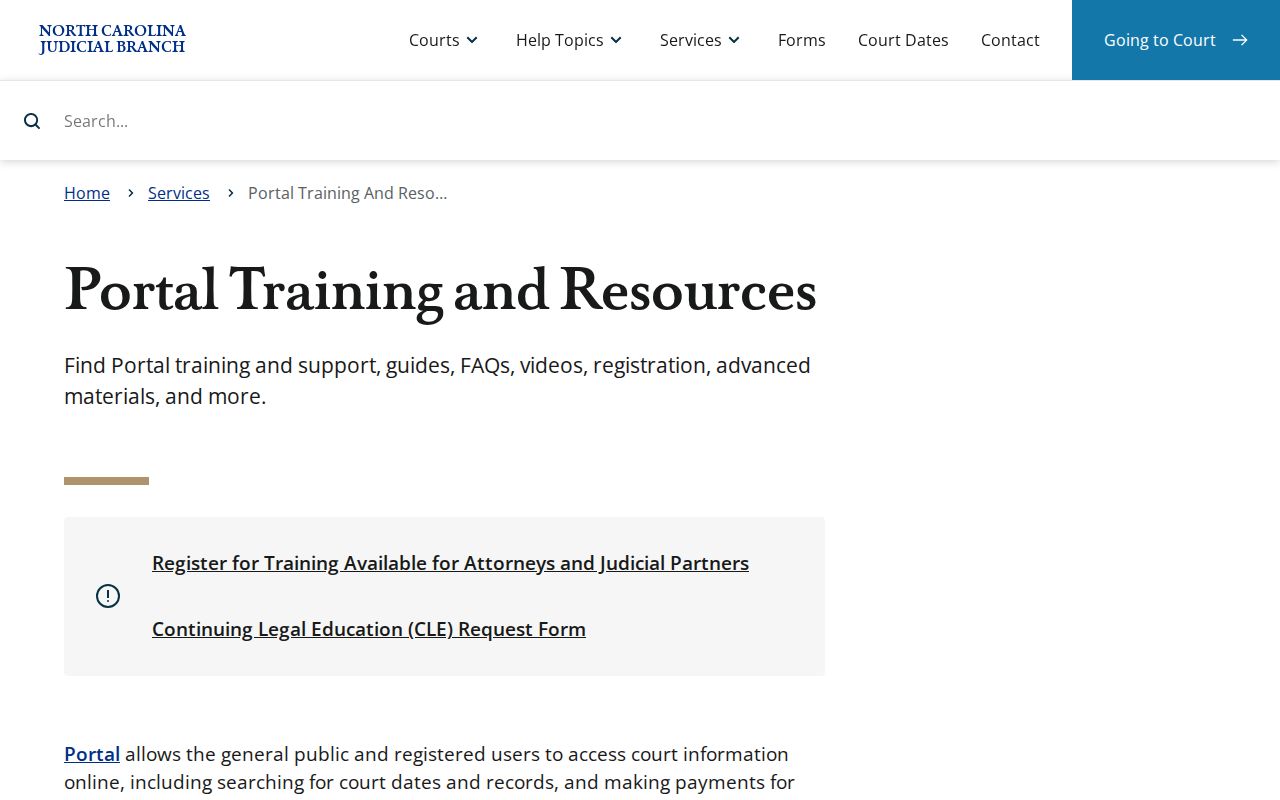
That distinction matters. The fields you see depend on the particular public case, access rules, and the current Portal configuration. Any documents you can open depend on those same things.
The related North Carolina eCourts File & Serve service is the electronic filing channel for attorneys and parties. It works where e-filing is available. It is separate from the public Avery County case-search function.
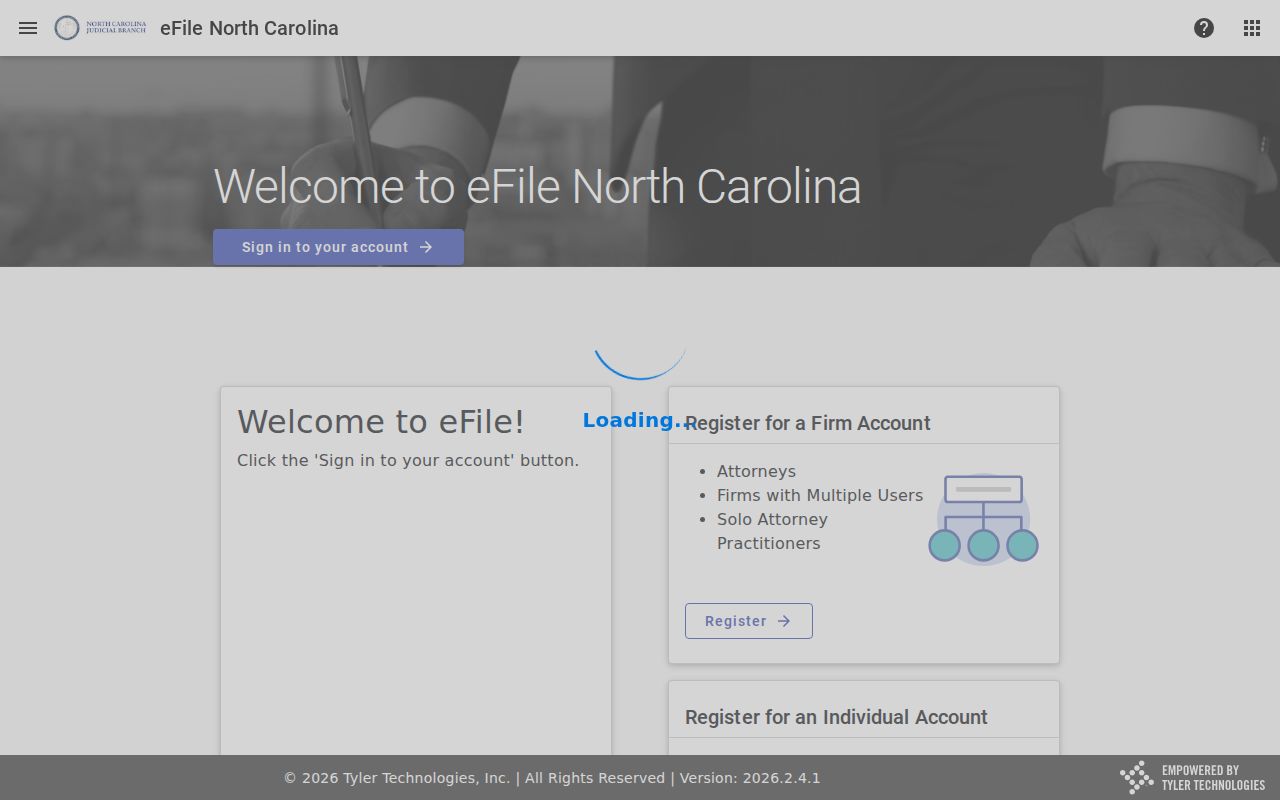
Smart Search still serves the public Case Summary. Search Hearings still serves a current court date. File & Serve will not replace either one. After the Track 9 conversion, the Portal is the electronic starting point for an Avery County docket search. Even so, the Avery County Clerk of Superior Court keeps the actual files. A search can come up short. A court date can be close. The clerk office and its public terminal remain the local route in those moments.
Case Number Searches
A full case number is usually the fastest Avery County docket search. Odyssey numbers in North Carolina have four parts. They run a two-digit year. Case-type letters come next. A six-digit sequence follows, then a three-digit county identifier after a hyphen. The official example is 21CR000003-910, which shows the format only. Avery's current Portal county identifier is not published, so do not guess it. Take the number straight from Portal or a court document. Or search by name and pick Avery County in the location filter.
With a partial number, Portal accepts at least four case-number characters followed by an asterisk. The letters mean something. CR marks a criminal case; IF marks an infractions-only case. The sequence ties the case file together with the calendar entry. It also links documents and financial information whenever those items are public.
Avery County Case Code Basics
A case number is only an identifier. It does not describe the outcome. The year and type letters help route the search, but the Case Summary is where the substance sits: recorded events, hearings, dispositions, and any applicable financial information. If a case changes court path on appeal, a notice of appeal, a remand, or a new Superior Court number may mean searching both linked paths.
- Case Summary / Register of Actions
- Portal’s chronological court-file timeline for recorded activity.
- Case Event
- A dated action or event in the Portal history.
- Disposition
- A recorded outcome or status for a charge, issue, or case.
- Assignment information
- The court, division, judicial officer, or other assignment data shown for the case.
Note: Rely on the actual event label on screen. Avery publishes no separate abbreviation dictionary for Portal.
Case Search Results Explained
A result mainly confirms you may have the right case. Open the Case Summary for the working court record. It holds case and assignment information, party details, civil or family causes of action where applicable, chronological Case Events, hearings, dispositions, and financial information when applicable. A public document link shows up only when the document is both public and available in Portal.
| Case number | The official Odyssey identifier for the file and related events. |
|---|---|
| Case information | Core case details, including the type of matter shown by Portal. |
| Assignment information | The recorded court or division assignment information. |
| Party information | The parties or caption information available to the public user. |
| Case Events and hearings | Chronological activity and available hearing information, read together for current status. |
| Disposition and financial information | Recorded outcome and applicable financial material when those fields apply and are public. |
A Portal view is informative, not a clerk-certified copy. For a document behind an event, the Avery County court case records route explains how to request a plain or certified copy.
Avery County Portal Access Levels
A free public account does not convert an ordinary search into elevated access. Anonymous users can search and view available public information. Registering mainly adds My Cases so you can save items. Elevated access rests on legal authority and active authorized roles, not on basic registration. The state's Portal Elevated Access Request/Agreement for Counsel serves attorneys who use File & Serve. It carries role and assignment checks. That form is an access-control item, not a public-record request form for Avery cases.
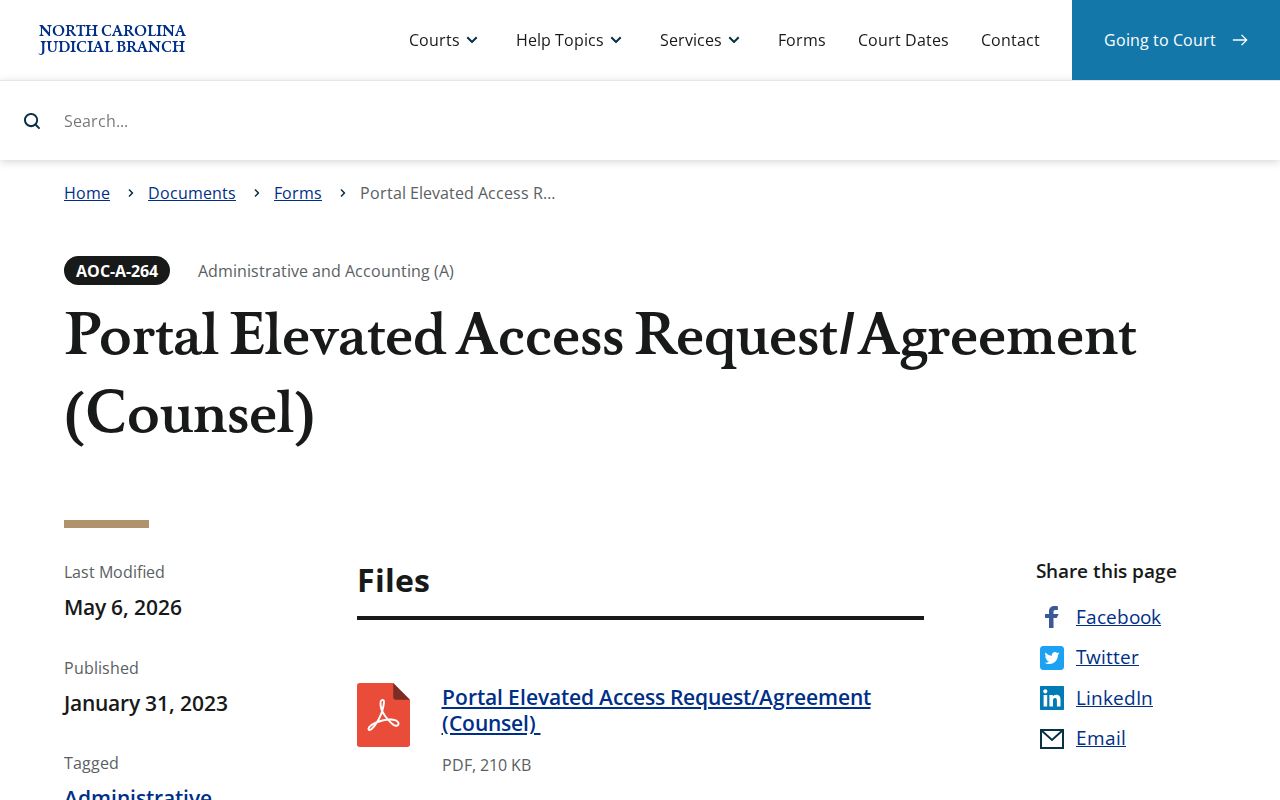
For everyday public use, one question matters. Is the case information public? If it is not, a new account will not make it visible.
Two Ways to Search: County and State
Portal covers the whole state. Narrow any search to Avery County once you know where the case belongs. There is a second route, too. The county runs one Clerk of Superior Court office for both Superior Court and District Court. That makes the courthouse the go-to contact for a felony, a civil matter, a traffic case, an estate file, or a magistrate record. For a current setting, use Search Hearings. For the full case history, Smart Search is the better tool.
| Portal function | Best use | Limits or next step |
|---|---|---|
| Smart Search | Find a public Avery case by name or number and open its Case Summary. | Apply Avery location and advanced filters after basic criteria. |
| Search Hearings | Find current hearing information by case, party, business, attorney, judicial officer, or courtroom. | Confirm a near-term setting with the Avery Clerk. |
| NC Judgment Search | Search indexed judgments in the statewide system. | It is not a substitute for the case’s full Case Summary. |
| Clerk terminal and file | Review older paper material or a case that needs local confirmation. | Use the Avery Clerk office for the county where the case is located. |
Avery County Hearing Search
Search Hearings is the Portal path built for the calendar. Type in a case number, a party or business name, an attorney name or bar number, a judicial officer, or a courtroom. Then narrow with the optional filters. That gets you the current hearing time and place without confusing an old docket event with the newest calendar entry. Always skim the case history after. A recent continuance or order can change what the calendar shows.
A 200-result warning means the name search grouped by party has hit its cap. Tighten the name, date, location, type, or status and try again. When a normal page will not load, the official help suggests Chrome or Edge, a cleared browser cache, or an incognito window.
Note: A brand-new result, a recent reset, or a clash between the calendar and Case Event deserves a check. Confirm it with the Avery Clerk at (828) 737-6700.
Which Cases Stay Restricted
Portal hides sealed, confidential, and restricted cases from public users. Juvenile records sit apart from public view. Access still may be authorized, or a court may order it under G.S. 7B-3001. An expunction order can wipe court and agency records entirely. Domestic-violence records face special online-display limits even when the case itself is public.
An empty result proves nothing about a case. It could be a spelling slip, a paper-era or migration gap, a restriction, an expunction, or simply the wrong court path. When Portal cannot resolve a public record, go to the Avery County Courthouse at 200 Montezuma Street in Newland during regular clerk hours. You can use the public self-service terminal there, or call the clerk. Under G.S. 7A-109, the clerk keeps the required records, files, dockets, and indexes locally.
Avery County Terminal Fallback
When the online docket search falls short, the Avery clerk office is the practical fallback. State guidance points to a public self-service terminal in each clerk office for criminal searches by defendant name, case number, victim, or witness, plus civil, special-proceeding, and estate information. Paper records that predate Avery's move to eCourts still sit in the clerk office.
Come prepared. Bring or write down the case number, names, document date, and division if you know them, and ask to inspect the file in the county where it is held. Staff make copies for statutory fees, though an official certification must come from the clerk. This route also spares you from guessing at a county code or treating a Portal result as the whole file.